
Learn More tools
Everyday tools
Recover deleted messages, blur your screen, track orders, keep notes and create click-to-chat links.
Recover deleted messages
When a contact deletes a message for everyone, WaBaCRM can show it to you. Use Show Recently Deleted Messages to see what was removed.
Privacy blur
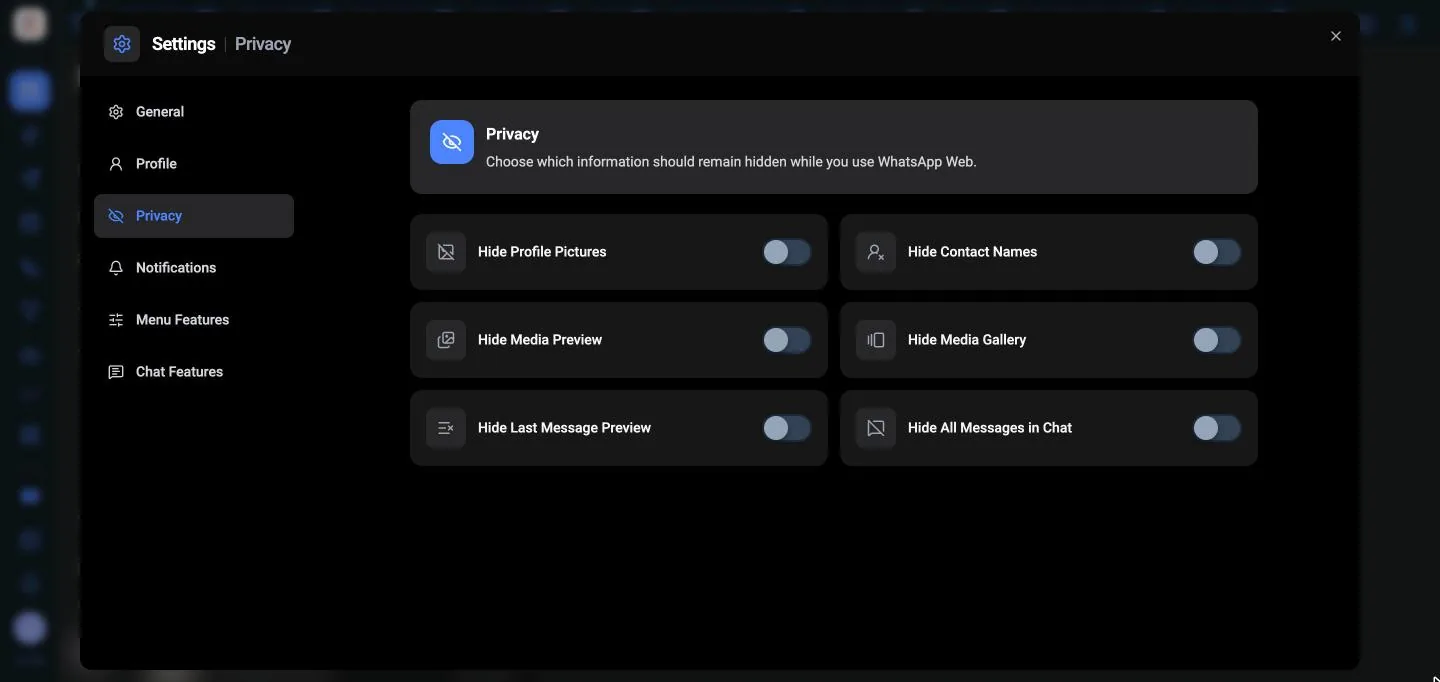
Working in a café or sharing your screen? The Privacy settings hide parts of WhatsApp Web from anyone looking:
- Hide Profile Pictures
- Hide Contact Names
- Hide Last Message Preview
- Hide Media Preview and Hide Media Gallery
- Hide All Messages in Chat
Turn them on in Settings → Privacy.
Notes
Keep private notes on a chat that the customer never sees. Open the chat, choose Notes, then Create note. Notes can include a media file. Add this message to notes saves a message straight into a note.
Order tracking
Track Shipments keeps a list of orders with the product name, carrier and tracking code. Send product information to the customer shares the tracking link in the chat.
Click-to-chat links
Link Generator creates a link that opens a WhatsApp chat with you, with a message already typed. Put it on your website, Instagram bio or visiting card.
Start a Conversation opens a chat with any number without saving it to your contacts first.