
Learn More tools
Settings and appearance
Change language, currency and dark mode, and arrange the WaBaCRM menu.
Open Settings with the gear at the bottom of the WaBaCRM menu.
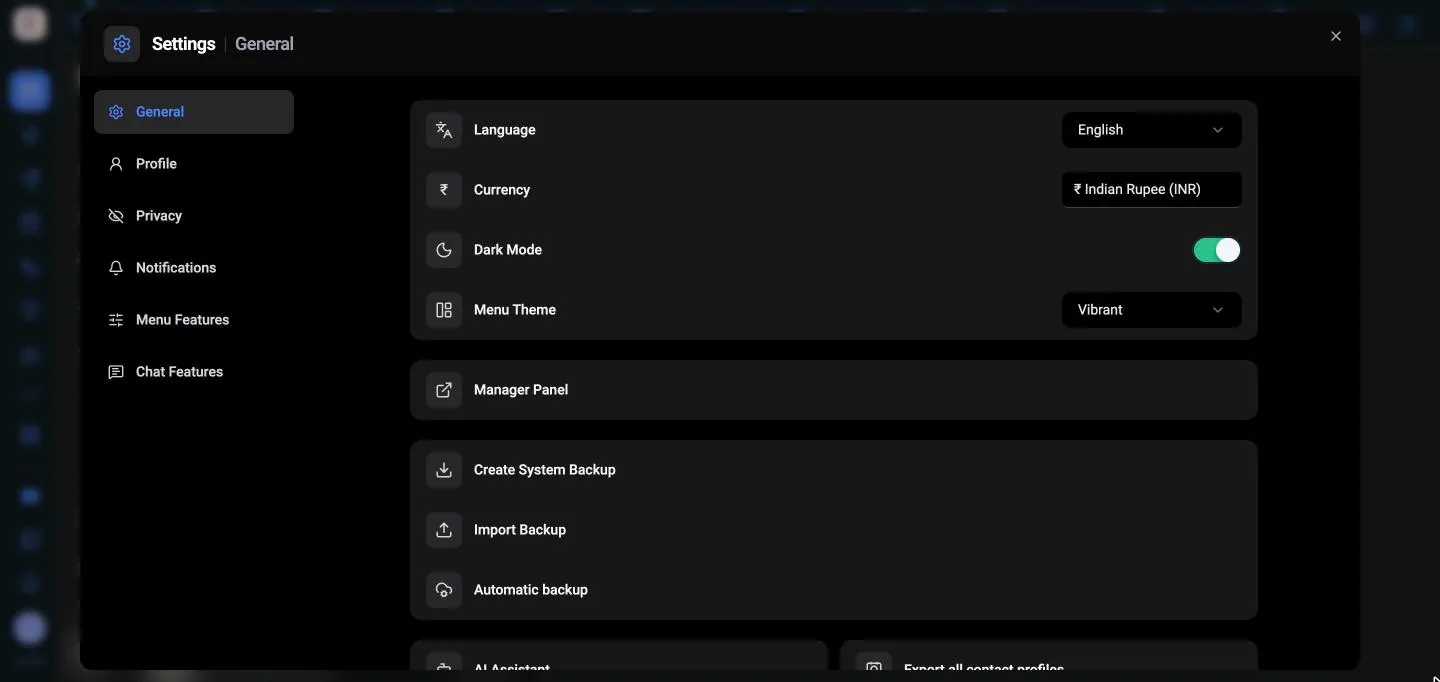
| Setting | Options |
|---|---|
| Language | English, Português, Español |
| Currency | ₹ INR (default), $ USD, € EUR. Used for deal values, the funnel and reports. |
| Dark Mode | Dark colours for the WaBaCRM screens |
| CRM Label Order | The order labels appear in |
| Privacy | See privacy blur |
The WaBaCRM menu
Menu Features (Settings, or More tools → Menu Features) switches each tool on or off, and Open jumps straight to it. Tools you switch off disappear from the sidebar.
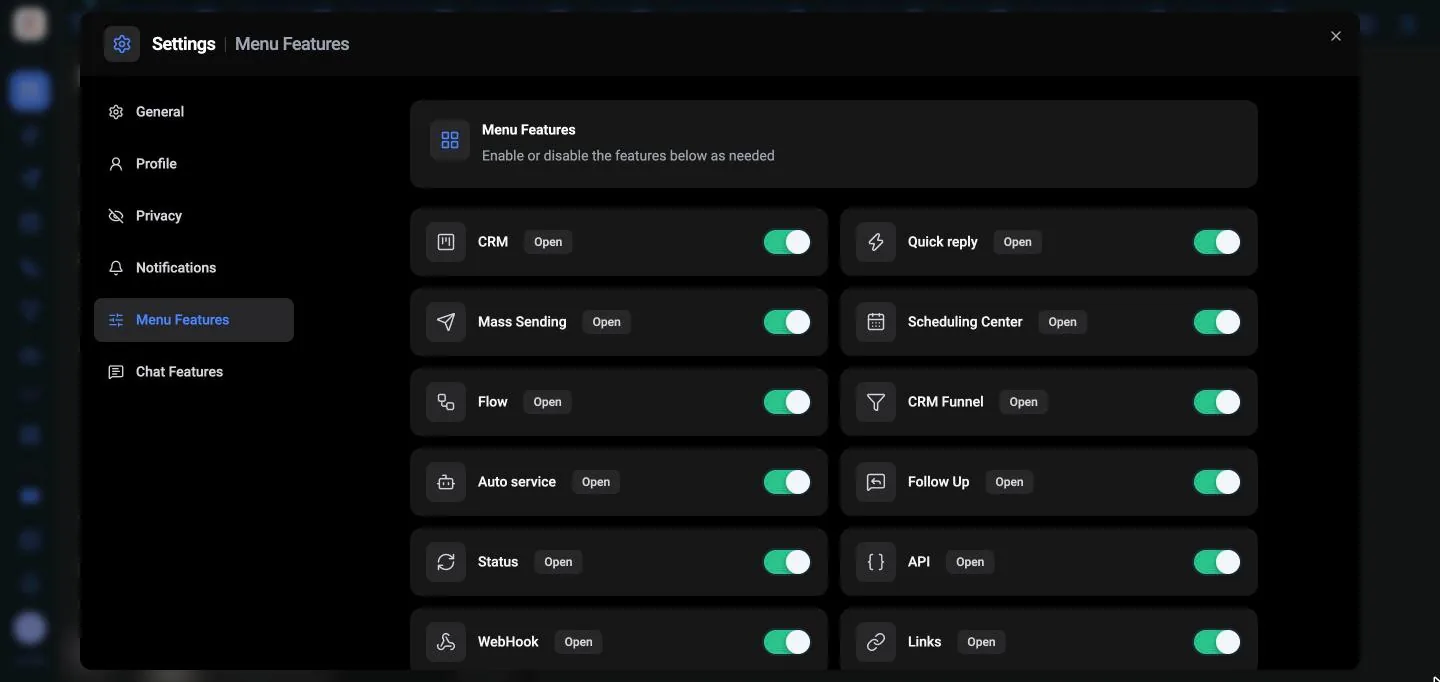
Sidebar Menu Settings also controls the menu:
- Collapse to compact menu or Expand to side menu
- Sidebar Menu Size
- Enable/Disable Menu to choose which tools appear. Tools you hide stay under More tools.
Use Zoom In and Zoom Out to resize the CRM board. Keyboard Shortcuts lists the shortcuts.